

Salesforce + Mailchimp Integration Service | FlowFrame
Turnkey Salesforce–Mailchimp integration: bidirectional contact sync, real-time engagement data, opt-out compliance, and campaign ROI reporting — built and monitored for you.
- 9+ years in B2B automation
- 17+ projects last year
- Architecture docs included
- 30-day money-back guarantee
Sound familiar? 8 out of 10 of our clients faced this
If 2+ items hit home — it's time to automate. Every day of delay costs money.
What we sync between Salesforce and Mailchimp
- - Contacts & Leads → Mailchimp Audience: new or updated Salesforce records are pushed to the correct Mailchimp audience segment within minutes, including custom field values like Account Tier or Region.
- - Mailchimp Audience → Salesforce Leads: new subscribers collected via Mailchimp signup forms are created as Leads in Salesforce automatically, with source campaign tagged.
- - Email engagement events → Salesforce Activity log: opens, clicks, bounces, and unsubscribes are written back as Activity records so reps see full email history on the contact timeline.
- - Salesforce Opportunity Stage changes → Mailchimp tags: when a deal moves to Closed Won or Closed Lost, the contact's Mailchimp tags update instantly to trigger the right post-sale or re-engagement sequence.
- - Unsubscribes & bounces → Salesforce opt-out fields: Mailchimp compliance events flip the Email Opt Out flag in Salesforce in real time, keeping your team legally protected.
- - Salesforce Campaign membership → Mailchimp segments: adding a contact to a Salesforce Campaign automatically places them in a matching Mailchimp segment for coordinated multi-touch outreach.
- - Mailchimp campaign metrics → Salesforce Campaign ROI fields: send count, open rate, click rate, and revenue attribution figures are synced back to the Salesforce Campaign record for closed-loop reporting.
How we build it
- Discovery & field mapping: we audit your Salesforce object schema and Mailchimp audience structure, map every field pair, and document sync direction, frequency, and conflict-resolution rules before writing a single line of logic.
- Trigger & webhook configuration: we set up Salesforce Outbound Messages or platform events and Mailchimp webhooks to fire on the exact record changes that matter — no polling, no unnecessary API calls burning your rate limits.
- n8n workflow build: we construct the automation flows in n8n, handling data transformation, conditional routing (e.g. only sync Contacts where Email Opt Out is false), and bidirectional conflict guards to prevent update loops.
- End-to-end testing: we run staged tests across all trigger scenarios — new lead, stage change, unsubscribe, bounce — validating that every record lands in the right place with the correct field values before go-live.
- Error monitoring & alerting: we attach execution logging and failure alerts so your team gets notified immediately if an API call fails, a record is rejected, or a sync falls behind — with enough context to fix it fast.
Use cases this solves
- - Post-sale onboarding sequences: a SaaS company with 300+ new customers per month was manually exporting Closed Won contacts to trigger onboarding emails — taking 2–3 days per batch. With the integration, the welcome sequence fires within 5 minutes of the Opportunity closing.
- - Lead nurture without duplicate outreach: an agency running paid ads generated 1,200 Mailchimp subscribers a month, but reps had no visibility into who had already engaged with 3+ emails. Syncing click data to Salesforce cut redundant cold calls by 40% in the first month.
- - Compliance at scale: a financial services firm with 50,000 contacts faced audit risk because Mailchimp unsubscribes weren't reflected in Salesforce for up to a week. Real-time opt-out sync eliminated the gap and passed their next compliance review.
- - Re-engagement campaigns tied to pipeline: a B2B vendor identified 800 Closed Lost opportunities from the past 12 months and used Salesforce stage data to push them into a targeted Mailchimp re-engagement sequence — generating 60 reopened conversations in 6 weeks.
- - Accurate campaign ROI reporting: a marketing team was manually reconciling Mailchimp stats with Salesforce Campaign records every quarter. Automated metric sync cut reporting prep from 8 hours to under 30 minutes and surfaced which email campaigns actually influenced pipeline.
What we'll build for your business
How we do it — day-by-day timeline
Transparent plan. You see what we ship each week and when your team needs to join.
- Audit of current processes and tools
- Data map: source/destination/fields
- Architecture doc (1-2 pages) for your sign-off
- Integration checklists, risks, alternatives
- Connect API/webhooks between systems
- Configure key fields and scenarios
- Demo in test environment
- Iterate on your feedback
- Auto-fill scripts and robots
- Notifications to Slack / Telegram
- Connect to ERPs (NetSuite, QuickBooks, BI)
- QA on production-like data
- Production data migration
- Team training (2-5 h recorded videos)
- Hand-over of docs and access
- Start of 30-60-day support window
Why clients trust us
What our clients say
«We picked FlowFrame after 2 other integrators missed deadlines. Got a working integration in 11 days, and the team finally stopped complaining about CRM.»
— Clinic Manager, 6 doctors
«Connected our CRM to telephony. The rep used to spend an hour daily on manual transfers — now zero. Project paid off in 2 months.»
— CEO of a marketing agency
«Clear quote, firm timeline, docs at every step. No need to chase a developer — it just works.»
— CTO of a fitness chain
FAQ
How long does it really take?
From 7 business days for the base setup. Complex integrations with 5+ systems can run up to 4 weeks. We give an exact estimate after a 30-min call.
What if we already have something set up?
We audit your current stack, keep what works, rebuild what blocks you. We never break what makes money even when we'd love to "do it properly".
Who runs the project on our side?
Ideally one person who can make decisions about business processes. Without that single owner, projects drown in approvals. We can help you pick.
What if your team disappears later?
All setups stay with you — licenses, API keys, data. We hand over documentation any other contractor can pick up in half a day.
Real-world case studies
Recent projects we delivered with measurable results
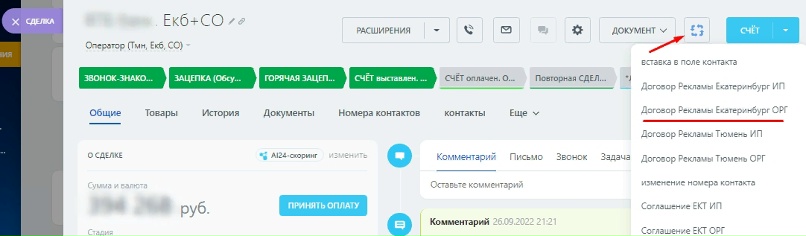
Eliminate Bureaucracy: One-Click Automation of Invoices and Contracts
Case Study • Document Discover how we automated document management for a company, streamlining invoicing and contracts with just one click.
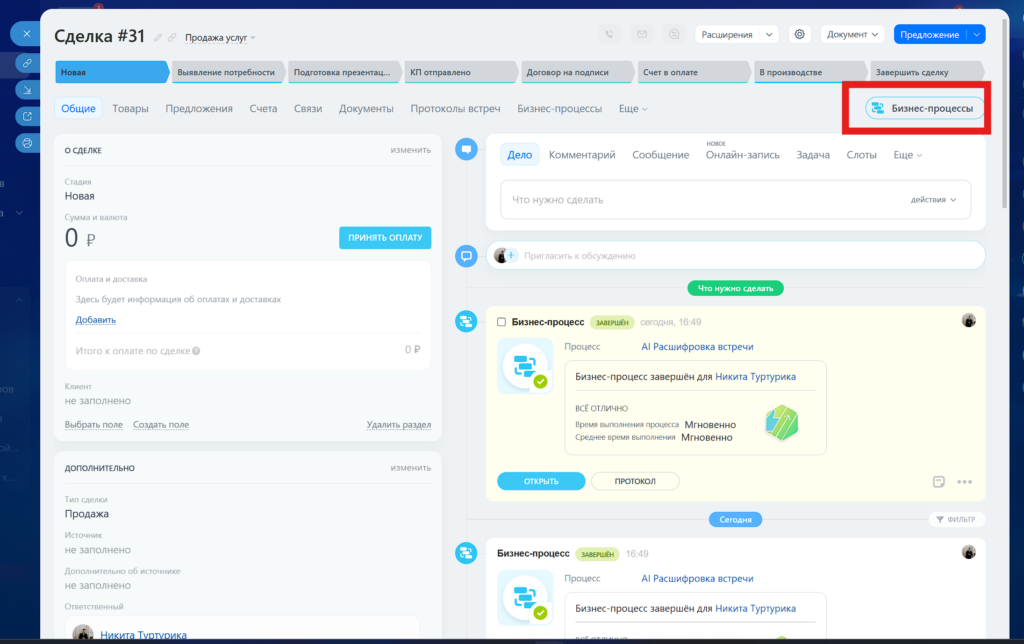
AI Secretary in Bitrix24: How We Taught CRM to Listen to Meetings and Set Tasks
Case Study • AI & Automation Discover how we integrated neural networks into our sales department, teaching Bitrix24 CRM to listen to…
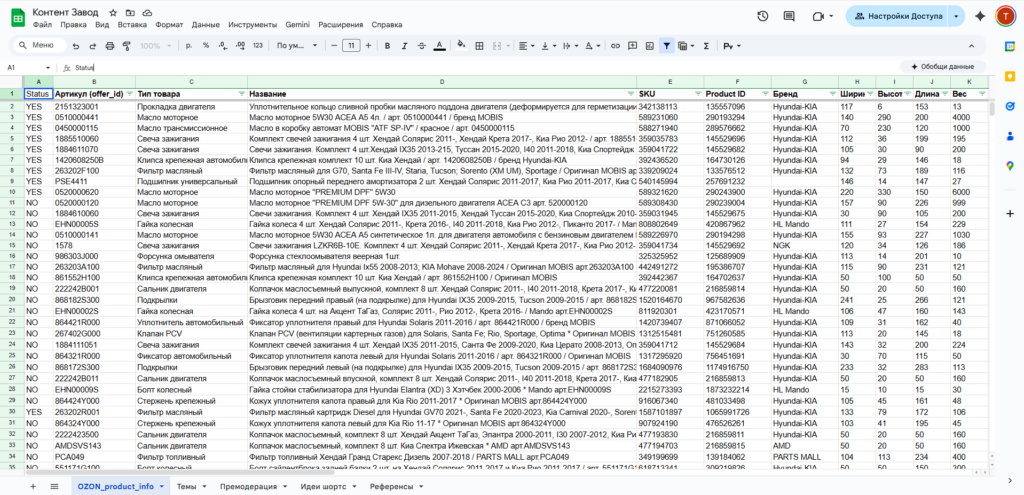
How to Sell Must-Have Products: Marketing Automation & Building a Content Factory
E-Commerce • Product Business Discover how to effectively sell trending products with marketing automation and learn the secrets to creating a content…

Ready to automate your business?
Tell our AI consultant your task right here — get a 5-minute estimate of timeline, price, and exactly what we'll do.