


Salesforce + Freshdesk Integration Service | FlowFrame
Connect Salesforce and Freshdesk with a turnkey integration — sync contacts, tickets, CSAT, and deal data in real time. Built on n8n with full error monitoring.
- 9+ years in B2B automation
- 17+ projects last year
- Architecture docs included
- 30-day money-back guarantee
Sound familiar? 8 out of 10 of our clients faced this
If 2+ items hit home — it's time to automate. Every day of delay costs money.
What we sync between Salesforce and Freshdesk
- - Contacts and accounts: new or updated Salesforce contacts and account records are pushed to Freshdesk as contacts and companies — and Freshdesk contact updates flow back to keep Salesforce clean.
- - Open and closed tickets: every Freshdesk ticket is linked to the matching Salesforce contact or account, with status, priority, and resolution visible directly inside the CRM.
- - Ticket creation from Salesforce cases: cases logged by sales or account managers in Salesforce automatically generate a corresponding Freshdesk ticket routed to the right support group.
- - Deal and opportunity context on tickets: active Salesforce opportunities, contract tier, and MRR are surfaced on the Freshdesk ticket sidebar so agents know exactly who they're talking to.
- - Ticket escalation alerts in Salesforce: when a Freshdesk ticket is escalated or breaches SLA, a task or activity is created on the related Salesforce account and the account owner is notified.
- - CSAT scores and satisfaction data: Freshdesk CSAT results are written back to the Salesforce contact record and rolled up at the account level for health scoring.
- - Custom field mapping: product line, subscription plan, region, and any other custom fields are mapped bidirectionally so both platforms reflect the same segmentation logic.
How we build it
- Discovery and field audit: we map your Salesforce object schema and Freshdesk portal structure, identify the exact records, fields, and triggers that need to be connected, and document every edge case — duplicate contacts, merged accounts, multi-brand portals.
- API and webhook architecture: we configure Salesforce REST API calls and Freshdesk webhooks inside an n8n workflow engine, setting up event-driven triggers so data moves in real time rather than on a polling schedule.
- Field mapping and transformation rules: we build the translation layer — normalizing phone formats, mapping picklist values, handling null fields, and applying conditional logic so a "Closed Won" opportunity in Salesforce sets the correct company tier in Freshdesk.
- End-to-end testing across scenarios: we run 20+ test cases covering new records, updates, deletions, duplicate matches, and high-volume bursts to confirm data integrity and correct routing before anything touches production.
- Error monitoring and alerting: every workflow run is logged, failed syncs trigger Slack or email alerts with the exact record and error reason, and we set up a retry queue so no event is silently dropped.
Use cases this solves
- - Support agents flying blind on enterprise accounts: a team managing 200+ business accounts can't afford agents asking "what plan are you on?" — with the integration, contract tier and ARR appear on every ticket automatically, cutting average handle time by roughly 30%.
- - Upsell opportunities killed by unresolved tickets: account executives lose deals because they didn't know a critical support ticket was still open; with Freshdesk escalations surfaced in Salesforce, reps can pause outreach or loop in support before a renewal call goes sideways.
- - Duplicate contact records across both platforms: a mid-size SaaS company with 5,000 contacts in Salesforce and 4,800 in Freshdesk ends up with 600+ mismatches after 12 months — a synced integration with deduplication logic prevents that drift from day one.
- - SLA reporting that requires manual exports: support managers pulling CSV exports from Freshdesk and cross-referencing them with Salesforce account data to build weekly reports — replaced by live CSAT and ticket data written directly to Salesforce for dashboard reporting.
- - Onboarding handoffs that drop customer context: when a new customer is marked "Closed Won" in Salesforce, the integration automatically creates a Freshdesk onboarding ticket pre-filled with product, plan, and assigned CSM — reducing setup errors and cutting onboarding ticket creation time from hours to seconds.
What we'll build for your business
How we do it — day-by-day timeline
Transparent plan. You see what we ship each week and when your team needs to join.
- Audit of current processes and tools
- Data map: source/destination/fields
- Architecture doc (1-2 pages) for your sign-off
- Integration checklists, risks, alternatives
- Connect API/webhooks between systems
- Configure key fields and scenarios
- Demo in test environment
- Iterate on your feedback
- Auto-fill scripts and robots
- Notifications to Slack / Telegram
- Connect to ERPs (NetSuite, QuickBooks, BI)
- QA on production-like data
- Production data migration
- Team training (2-5 h recorded videos)
- Hand-over of docs and access
- Start of 30-60-day support window
Why clients trust us
What our clients say
«We picked FlowFrame after 2 other integrators missed deadlines. Got a working integration in 11 days, and the team finally stopped complaining about CRM.»
— Clinic Manager, 6 doctors
«Connected our CRM to telephony. The rep used to spend an hour daily on manual transfers — now zero. Project paid off in 2 months.»
— CEO of a marketing agency
«Clear quote, firm timeline, docs at every step. No need to chase a developer — it just works.»
— CTO of a fitness chain
FAQ
How long does it really take?
From 7 business days for the base setup. Complex integrations with 5+ systems can run up to 4 weeks. We give an exact estimate after a 30-min call.
What if we already have something set up?
We audit your current stack, keep what works, rebuild what blocks you. We never break what makes money even when we'd love to "do it properly".
Who runs the project on our side?
Ideally one person who can make decisions about business processes. Without that single owner, projects drown in approvals. We can help you pick.
What if your team disappears later?
All setups stay with you — licenses, API keys, data. We hand over documentation any other contractor can pick up in half a day.
Real-world case studies
Recent projects we delivered with measurable results
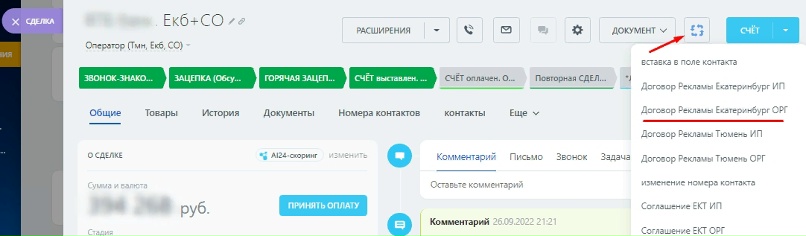
Eliminate Bureaucracy: One-Click Automation of Invoices and Contracts
Case Study • Document Discover how we automated document management for a company, streamlining invoicing and contracts with just one click.
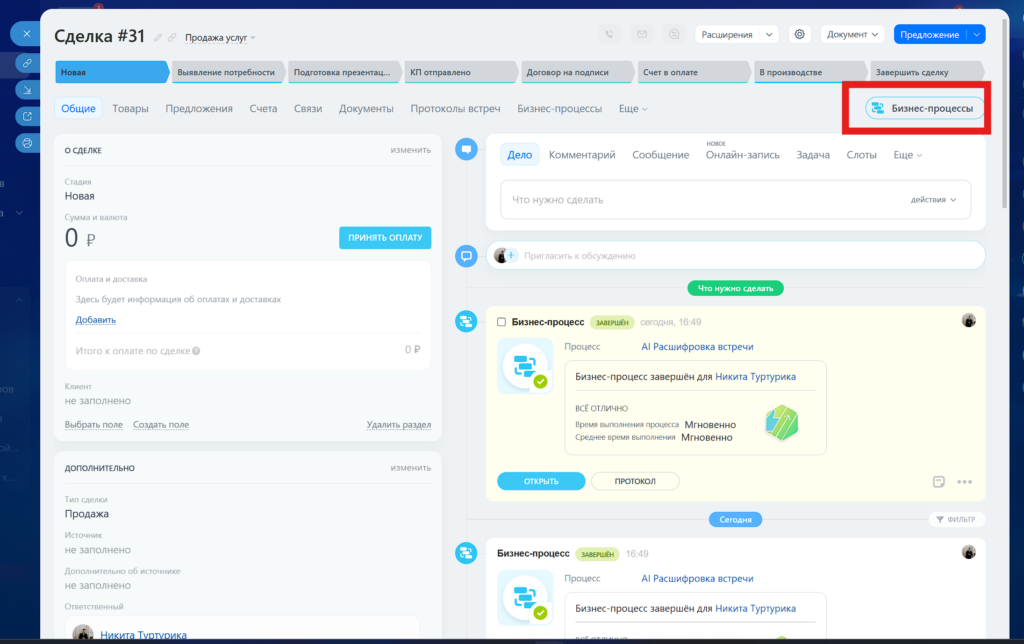
AI Secretary in Bitrix24: How We Taught CRM to Listen to Meetings and Set Tasks
Case Study • AI & Automation Discover how we integrated neural networks into our sales department, teaching Bitrix24 CRM to listen to…
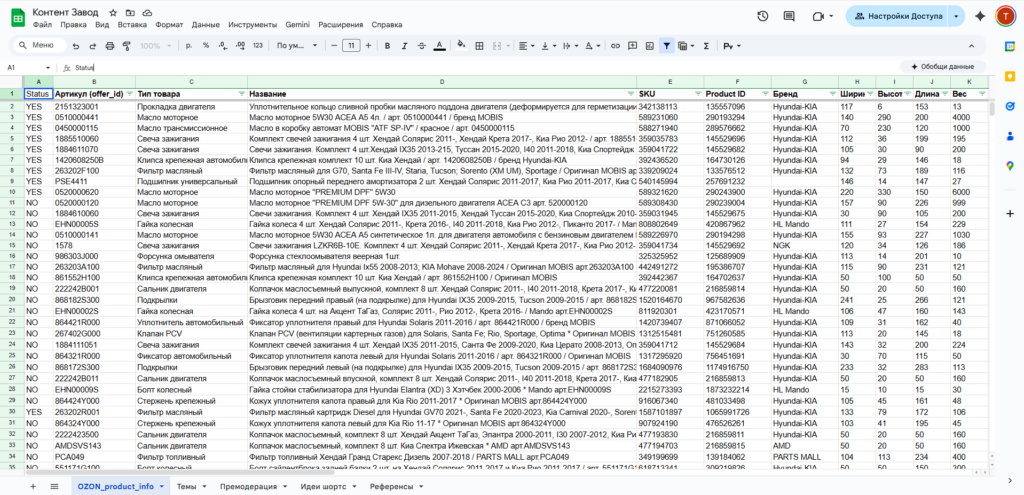
How to Sell Must-Have Products: Marketing Automation & Building a Content Factory
E-Commerce • Product Business Discover how to effectively sell trending products with marketing automation and learn the secrets to creating a content…

Ready to automate your business?
Tell our AI consultant your task right here — get a 5-minute estimate of timeline, price, and exactly what we'll do.