
Automate Data Integration for Accurate Reporting in ERP
Imagine starting each morning by checking reports, only to find different numbers every time. It's as if your business compass pointed north yesterday but suddenly shows east today. Your team spends hours manually correcting errors, yet they keep cropping up like weeds in a garden. You realize the problem lies in the data coming from various sources, which don't always integrate correctly. This isn't just annoying—it's a hit to efficiency and the bottom line.
You're not alone. Many IT directors in mid-sized businesses face such chaos. Manual data integration operations take too much time and lead to reporting errors. But what if I told you there's a way to automate this process? Imagine a world where your reports are always accurate and your employees can focus on more important tasks. Want to know how to achieve this? Let's dive in!
Why It Hurts (with Numbers and Context)
Small and medium-sized businesses often face the challenge of integrating data from various sources, such as CRM and ERP systems. This data is crucial for preparing reports, making management decisions, and evaluating performance. However, without automation, the integration process can require significant time and manpower.
For example, if done manually, an IT director might have to gather data from systems daily or weekly, which can take up to 30 hours a month. Manual integration is prone to errors, which can lead to incorrect conclusions and a loss of up to 10% of expected profits. Our goal is to reduce this time by 70%, saving up to 20 hours a month and decreasing the number of errors.
What We'll Do (Solution Architecture)
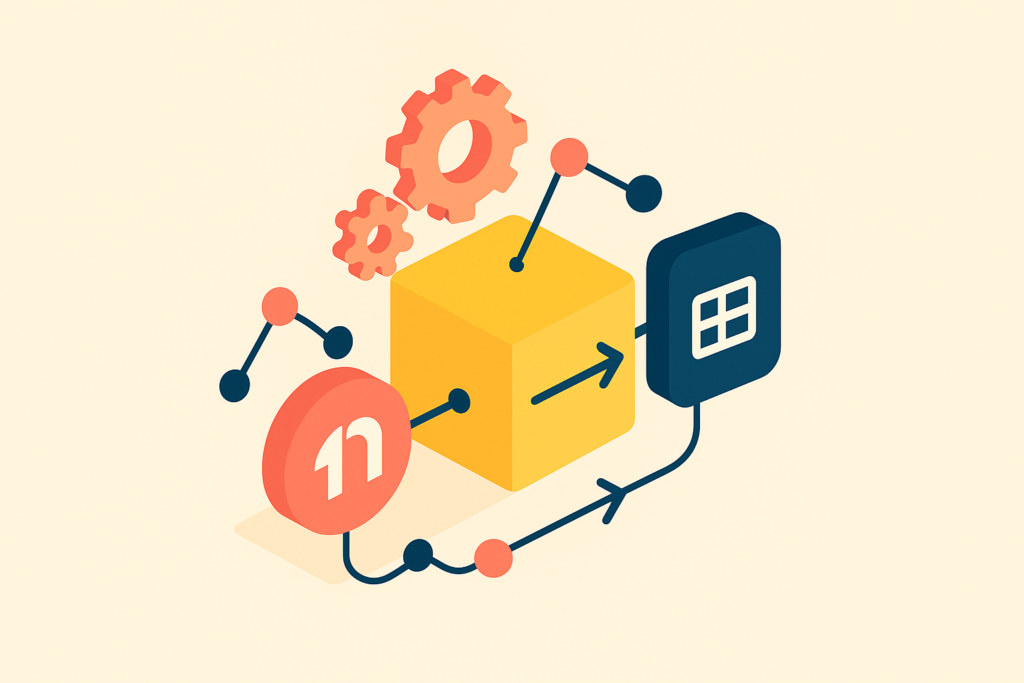
We plan to create an automated system for data integration, using n8n as the central processing hub. Data will be collected from Bitrix24 and amoCRM for upload to Google Sheets and further report processing. We use triggers such as schedulers and webhooks. Upon process completion, users will be notified via Telegram Bot API.
The solution architecture includes the following components:
- n8n for data processing and creating triggers.
- Google Sheets for data processing and report creation.
- Telegram Bot API for sending notifications.
Step 1: Collecting Data from Bitrix24 and amoCRM
The first step is setting up HTTP requests in n8n to interact with the Bitrix24 and amoCRM APIs. You'll need to create corresponding nodes in n8n and set up request parameters.
For Bitrix24, use endpoints `crm.deal.list` and `crm.contact.list`. Configure the HTTP Request Node in n8n as follows:
{
  "method": "GET",
  "url": "https://yourdomain.bitrix24.com/rest/crm.deal.list",
  "headers": {
    "Authorization": "Bearer YOUR_ACCESS_TOKEN"
  }
}
For amoCRM, use endpoints `/api/v4/leads` and `/api/v4/contacts`:
{
  "method": "GET",
  "url": "https://yourdomain.amocrm.com/api/v4/leads",
  "headers": {
    "Authorization": "Bearer YOUR_ACCESS_TOKEN"
  }
}
(Screenshot: example of setting up an HTTP request in n8n)
The retrieved data needs to be formatted for easy handling. JSON data is parsed using n8n's built-in functions.
Step 2: Data Cleaning and Transformation
Data obtained from CRM systems can be in different formats, so they need to be standardized. n8n offers tools for data processing.
- Remove unused fields using built-in functions.
- Transform date and number formats.
- Merge data from different sources into a single structure for subsequent actions.
(Screenshot: example of using n8n functions for data transformation)
Step 3: Integration with Google Sheets
Once the data is ready, it needs to be uploaded to Google Sheets. For this, the Google Sheets API is used. In n8n, create a Google Sheets Node and choose the method `spreadsheets.values.update` or `spreadsheets.values.append` to update or add new rows.
{
  "method": "POST",
  "url": "https://sheets.googleapis.com/v4/spreadsheets/YOUR_SHEET_ID/values/Sheet1!A1:append",
  "headers": {
    "Authorization": "Bearer YOUR_ACCESS_TOKEN",
    "Content-Type": "application/json"
  },
  "body": {
    "values": [
      ["Data1", "Data2", "Data3"]
    ]
  }
}
(Screenshot: example of setting up a Google Sheets Node in n8n)
This allows real-time data updates in the spreadsheet, minimizing manual actions and potential errors.
Pitfalls and How to Avoid Them
One of the main challenges in automation can be authentication. Errors in setting up OAuth2 can lead to access denials. Ensure all access tokens are up to date and correctly configured.
API limits can also pose challenges. For example, exceeding the limits of Google Sheets API or Bitrix24 API can slow down the process or even halt it. Implement error handling and retries to minimize the impact of limits.
Data conflicts are another potential issue. Differences in data formats between systems can lead to integration errors. Ensure that data is transformed and meets the target system's requirements.
Metrics: How to Know It's Working
To evaluate the effectiveness of automation, it's important to track key metrics:
- Report preparation time should be reduced by 70%.
- The number of report errors should decrease by 90%.
- Less downtime for employees involved in manual data integration.
Compare metrics before and after implementing automation to assess how much time has been saved and errors reduced. Regularly review metrics to adjust processes and enhance their efficiency.
What to Do Right Now
To start automating data integration and improve ERP reporting, follow these steps:
- Review current processes: analyze which data integration tasks require the most effort and where the most frequent errors occur.
- Set up accounts and access: ensure all accounts and access tokens for n8n and Google Sheets are up to date and correctly configured.
- Start simple: choose one process to automate to test solutions and evaluate their effectiveness.
- Prepare the team: discuss upcoming changes with colleagues and, if necessary, organize training on using new tools.
When to Call Us
If you encounter integration difficulties or want to speed up the process, FlowFrame is always ready to help. Our AI bot on the website will guide you on how to arrange a consultation with our experts. We would be happy to assist you at every step of automation!